NO-CODE · LOW-CODE · AI
A new generation
of enterprise
development.
No-code, low-code, and AI together in one unified platform.
Start with prebuilt apps. Shape them around your team.
NAICODY
CONNECTED APP STUDIO
AI AGENT BUILDER
CONNECTED DATA
YOUR BUSINESS,
CONNECTED
Visual app builder
AI agents
Workflow automation
Data & integrations
Your processes are unique.
Your software should be, too.
Move beyond workarounds. Build tools that fit the way your team actually works.
01
Interfaces that don’t fit your work
Standard screens and workflows may not match how your team operates. Design interfaces around your own processes.
02
Slow, costly customization
Configuration, training, and custom development can delay a rollout. Prototype visually and refine your app as you receive feedback.
03
Hard-to-connect systems
Disconnected software makes it harder to share data. Connect supported systems and bring your workflows together.
BUILT AROUND YOUR BUSINESS
From everyday tasks
to connected operations.
Start with a business solution, add intelligence, or build a workflow for the way your organization works.
NAICODY
YOUR WORK, CONNECTED
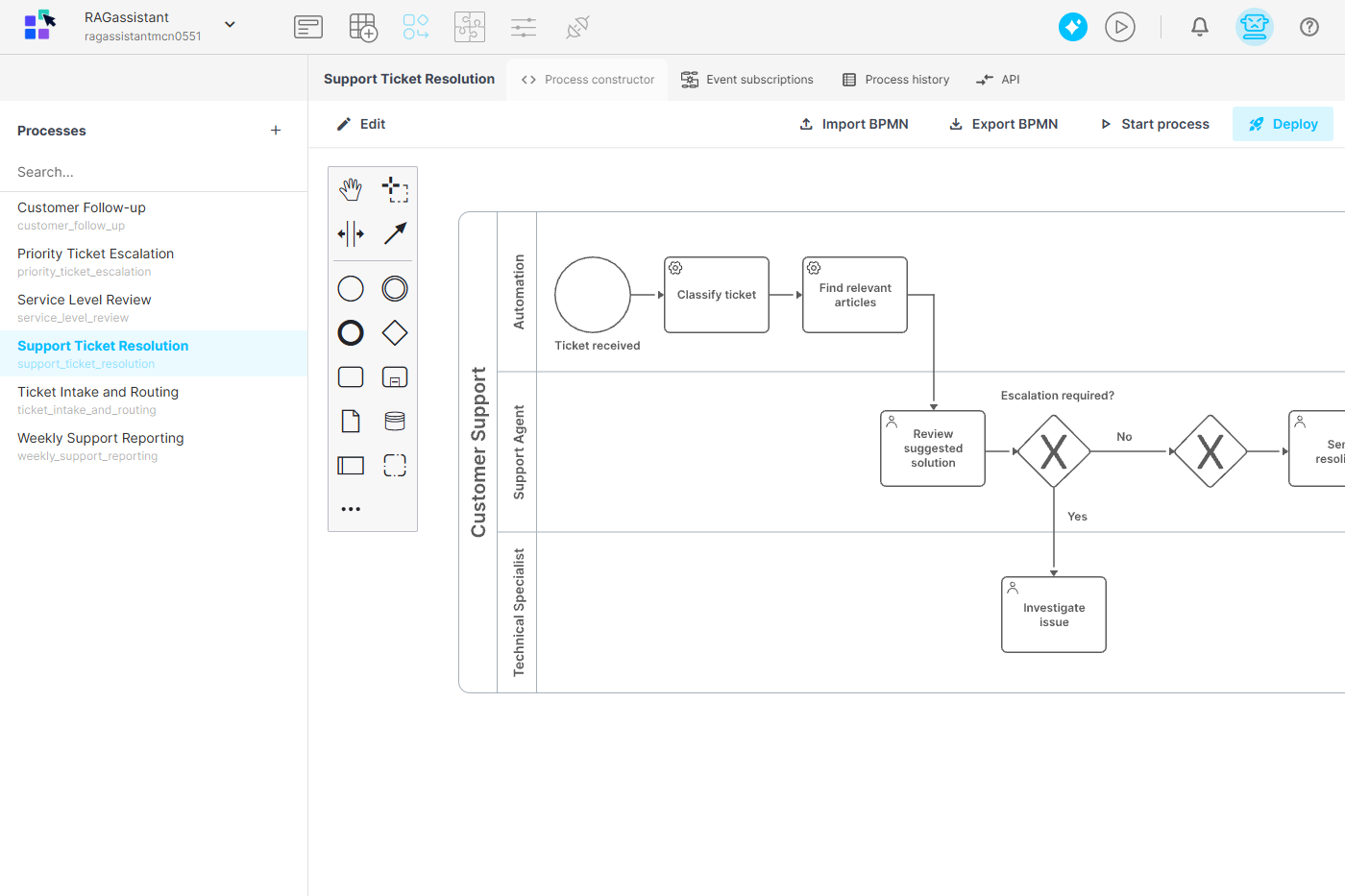
VISUAL BUSINESS LOGIC
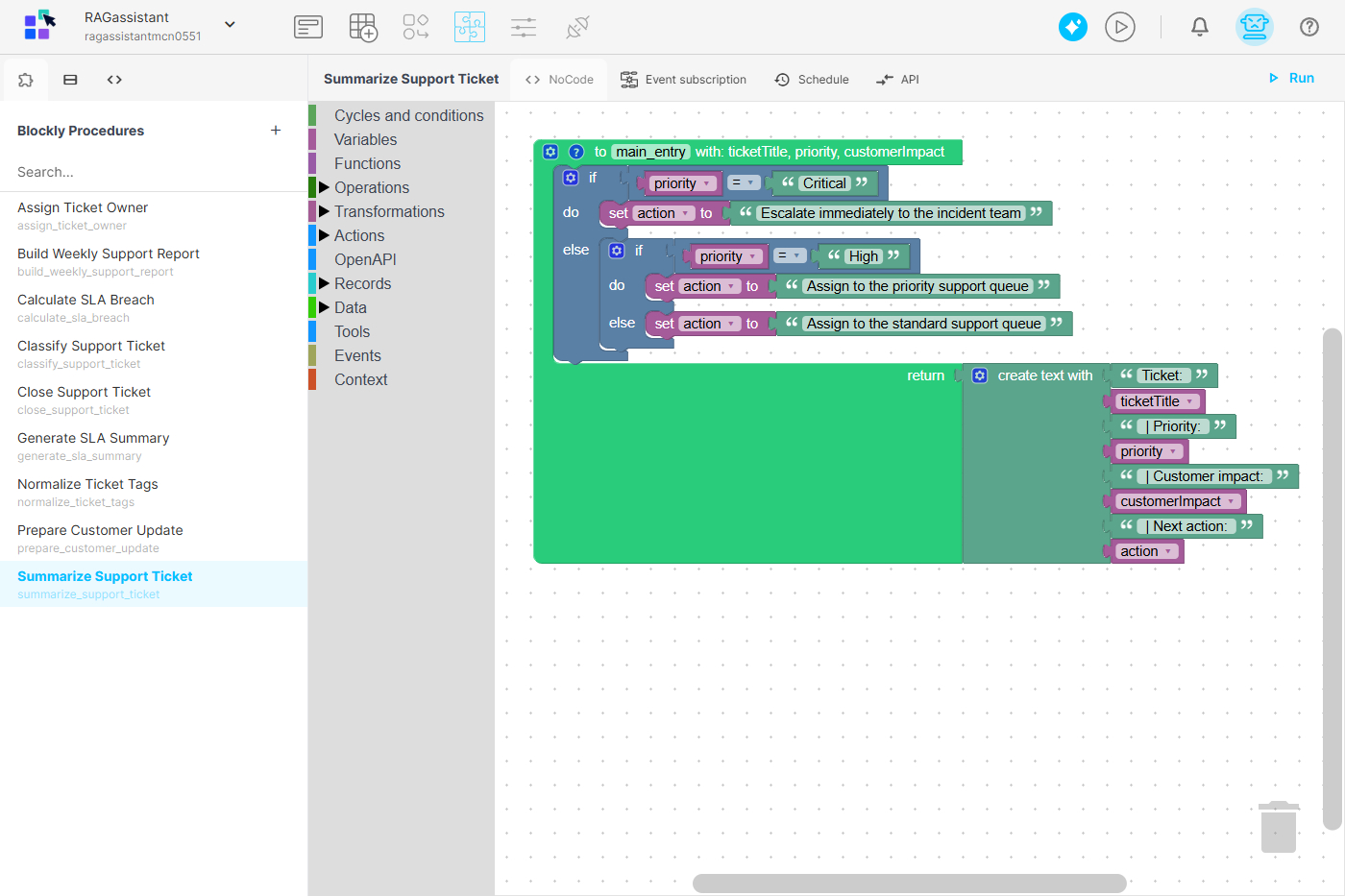
ONE CONNECTED WORKSPACE
01 / BUSINESS APPS
A starting point for your team
Customer relationship management, document management, HR management, and IT service management.
02 / AI ASSISTANTS
Intelligence in the workflow
Meeting notes, lead discovery, knowledge management, recruiting, and more.
03 / CUSTOM WORKFLOWS
Your process, your application
Build for a specific task, test it with your team, and improve it as your needs change.
ONE PLATFORM. YOUR POSSIBILITIES.
Everything your next
application is built on.
Design the experience, organize the data, and connect the steps. Keep your application and its logic in one visual environment.
AI AGENT BUILDER
Put intelligence
to work.
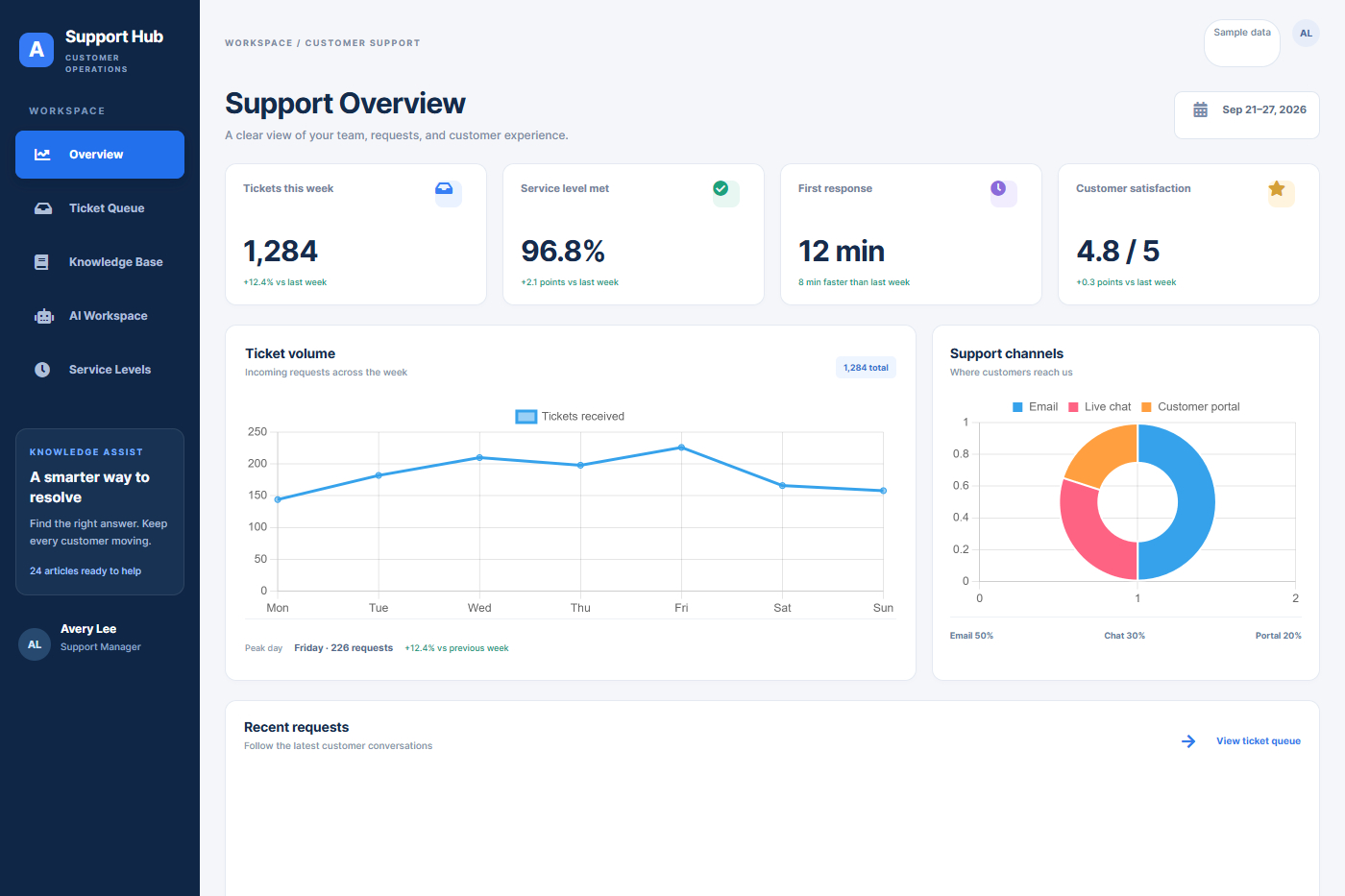
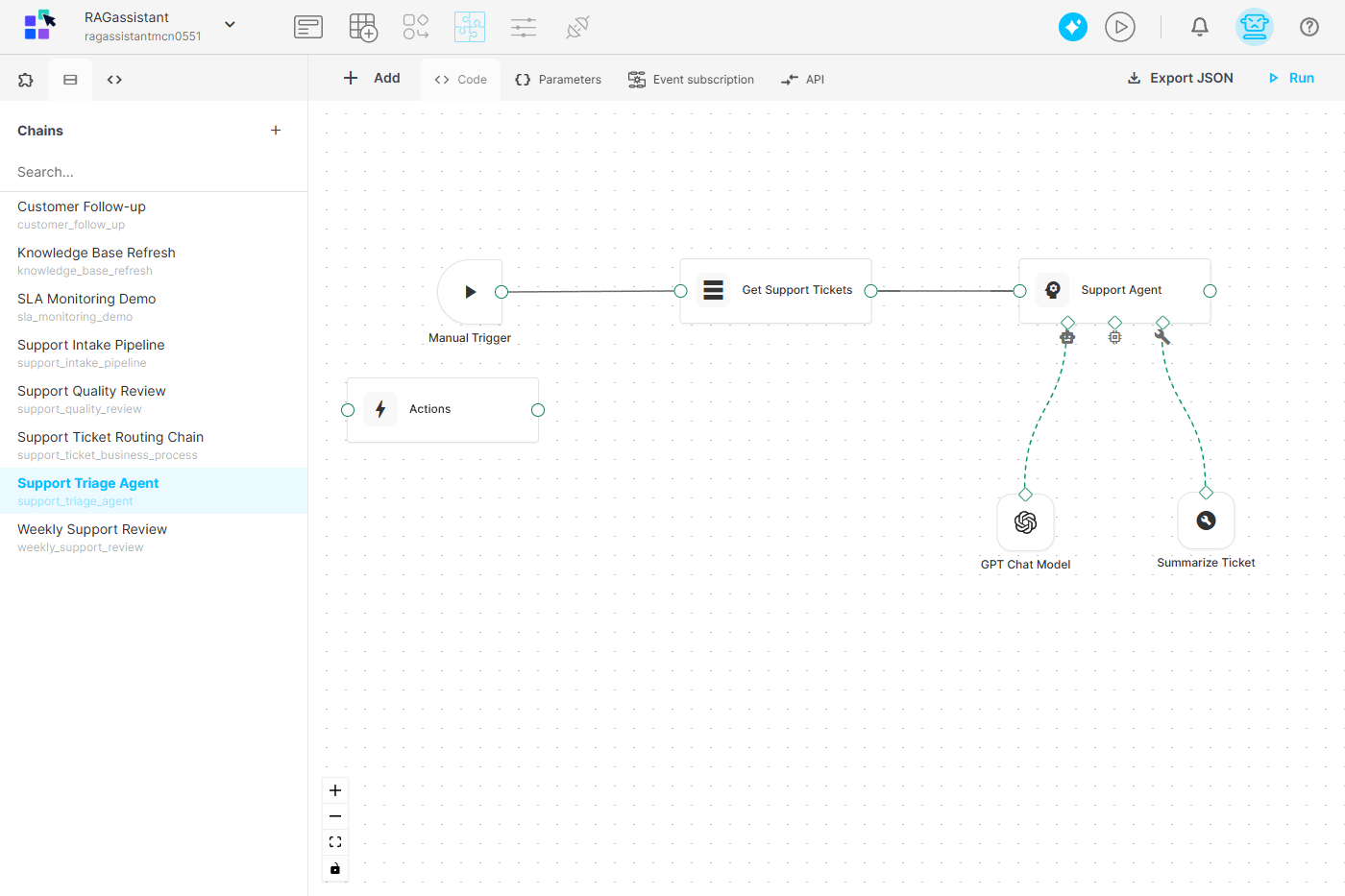
Create AI agents for customer and internal service workflows. Automate routine requests, organize knowledge and support inquiries, track service activity, and connect supported third-party systems.
01 / VISUAL BUILDER
Form and Interface Builder
Design application pages with drag-and-drop components. Customize styles, add your own components, and use AI assistance to help create pages.
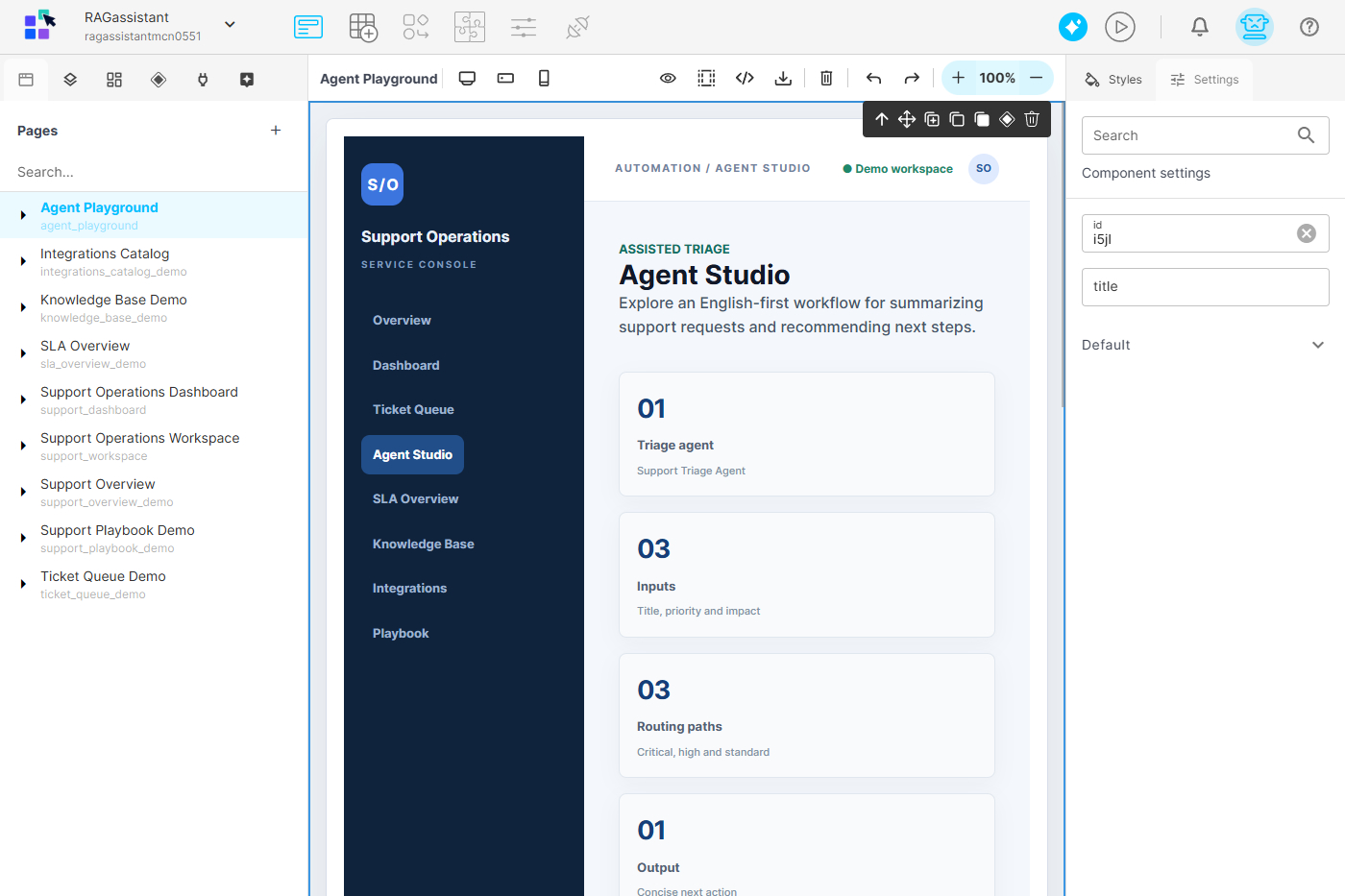
02 / VISUAL BUILDER
Data Model Builder
Manage data in tables with SQL query support. Import and export XLSX and CSV files, map entity relationships, and use AI assistance to help design your data model.
03 / VISUAL BUILDER
Workflow and Process Builder
Design executable processes in a visual BPMN 2.0 editor. Apply roles and permissions, run tasks in parallel or sequence, and review execution history.
04 / VISUAL BUILDER
Business Logic Builder
Arrange ready-made blocks to transform data and run mathematical or financial calculations. Generate and parse XML, JSON, CSV, and XLSX files.
05 / VISUAL BUILDER
Users, Roles, and Permissions
Manage users, roles, and groups. Set permissions for forms, data models, processes, procedures, and modules, including create, read, update, and delete actions.
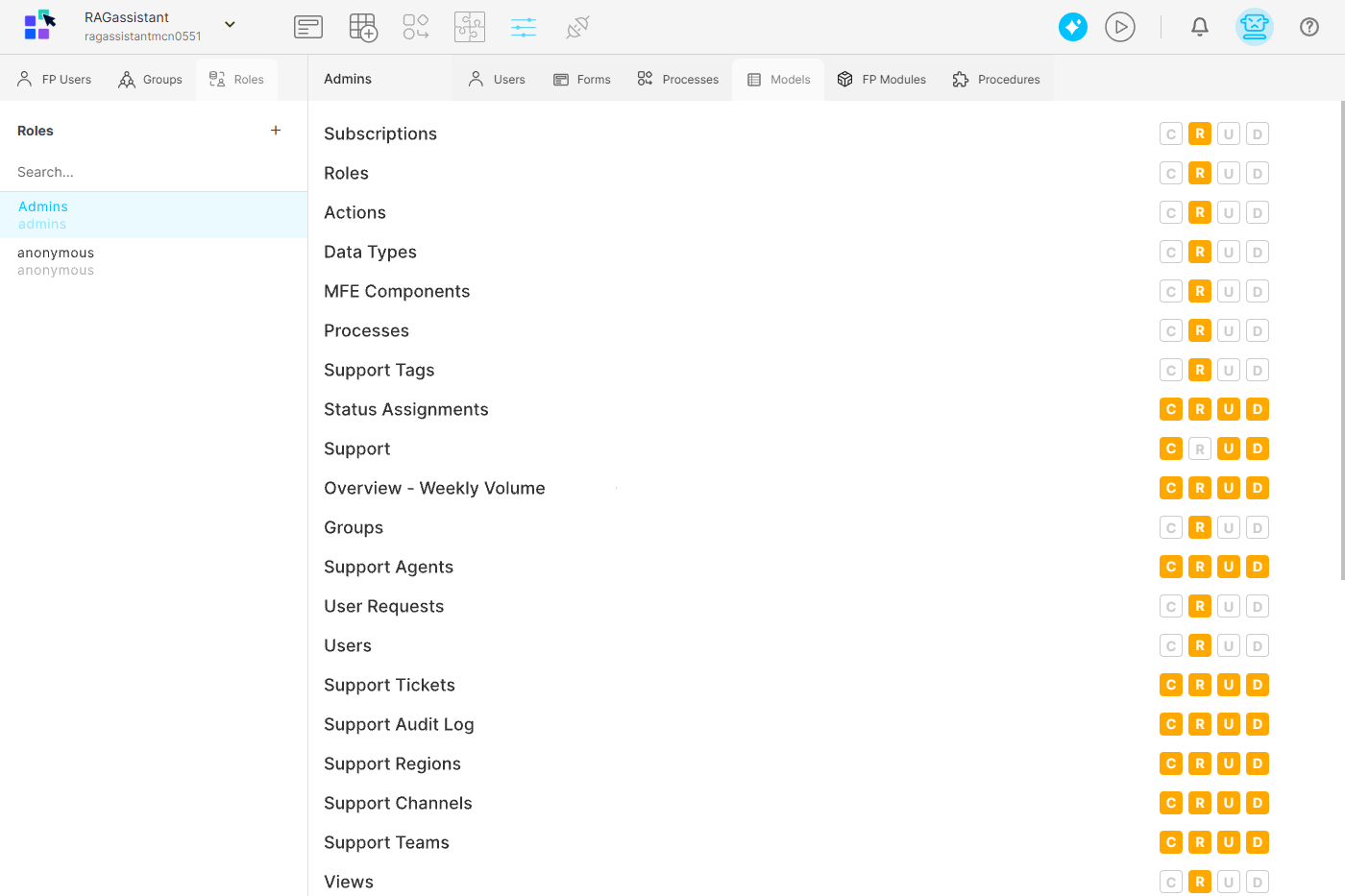
06 / VISUAL BUILDER
Report and Dashboard Builder
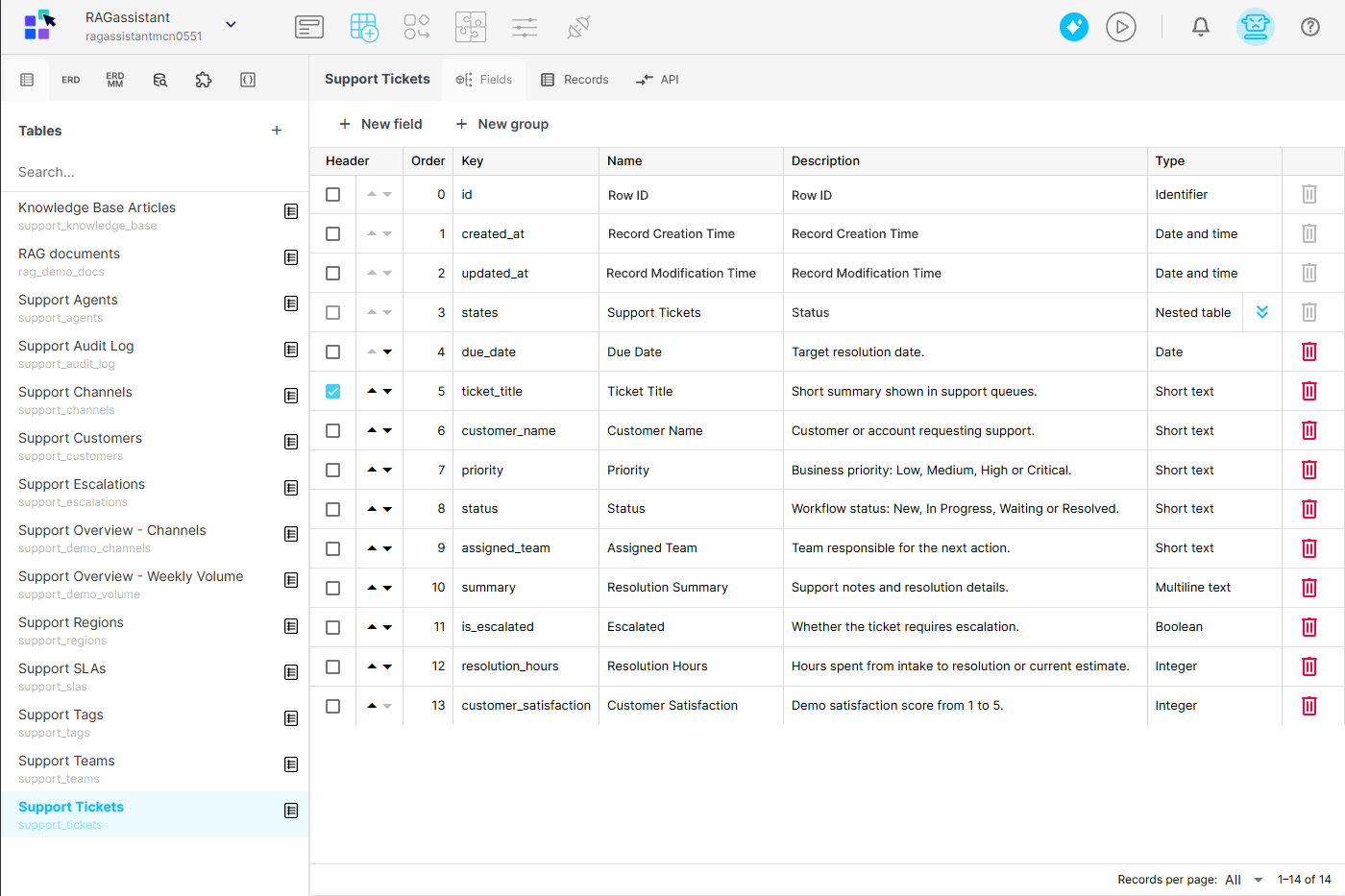
Build dashboards with ready-made charts and tables. Display KPIs, filter data, and organize results by date, status, or other dimensions.
07 / VISUAL BUILDER
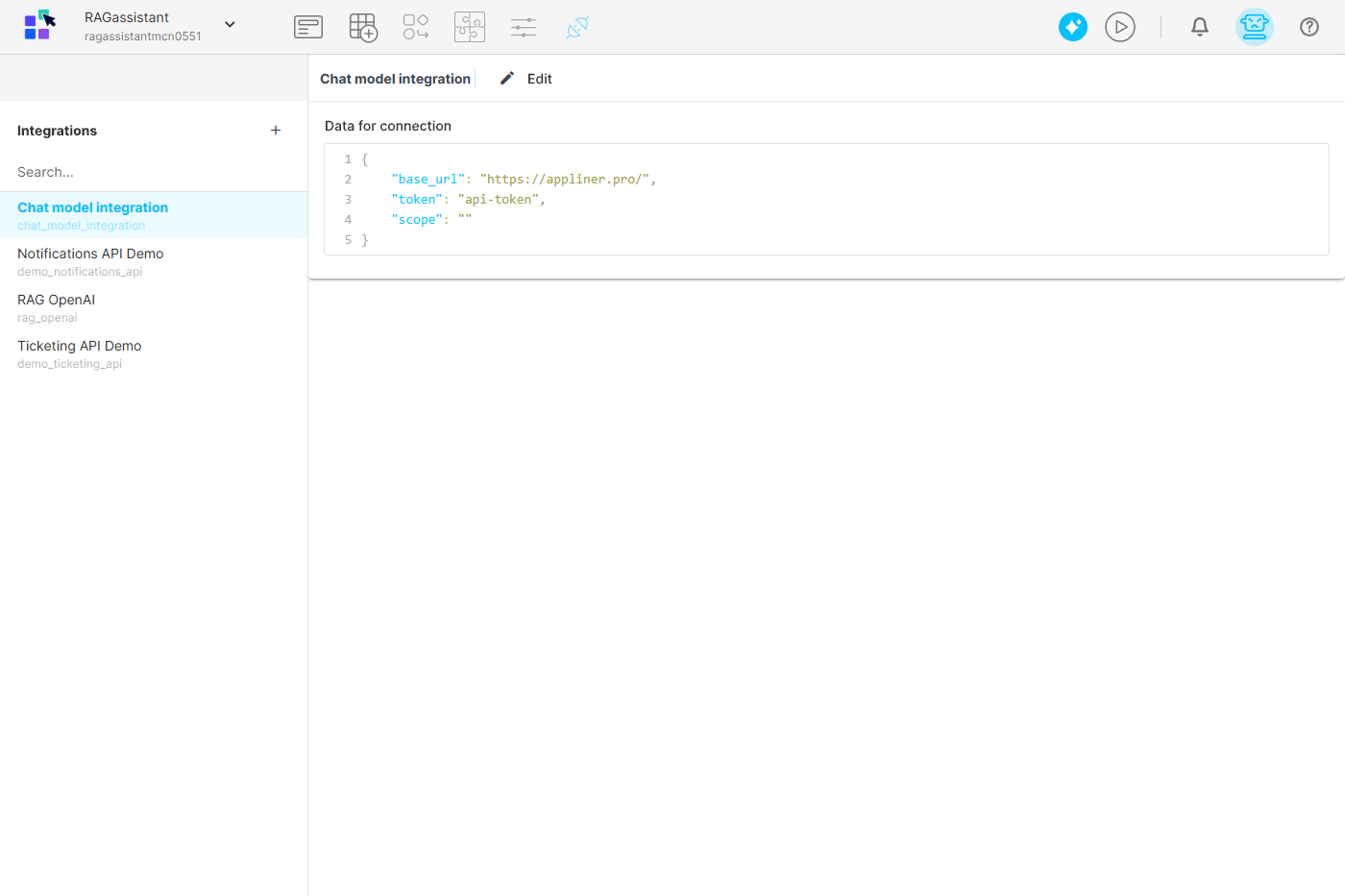
Integration Builder
Connect supported internal and external systems. Work with cloud and on-premises data sources, REST APIs, SMTP, and JSON data.
LESS FRICTION. MORE POSSIBILITY.
Build together.
Keep getting better.
Reusable components
Build with ready-made elements, templates, and visual tools instead of developing common functionality from scratch.
A shared workspace
Bring forms, tables, applications, and processes together, reducing reliance on scattered spreadsheets and email threads.
Less custom development
Configure business applications visually and reserve custom engineering for work that needs it.
Apps that adapt
Update applications as tasks, workflows, and the needs of your team change.
Feedback before rollout
Prototype and test with users so their feedback can guide development.
Room for developers to focus
Let business teams configure routine workflows while developers focus on complex integrations and custom engineering.
SEE NAICODY IN ACTION
Request your demo
Tell us about the workflows you want to improve. See how Naicody can help you build the apps your team needs.
Prefer email? demo@naicody.com